How to send USDT on TRC20 without losing money
A step-by-step check before you transfer: address, network, TRX fee and the exact amount.

USDT on TRC20 is the most widespread way to send “digital dollars”: people use it to pay for services, fund swap services and exchanges, and settle between freelancers and companies. A transfer takes about a minute and is usually inexpensive. But the TRON network has quirks that wallet interfaces don’t explain — and that’s exactly where people lose money most often.
In this guide we walk through the whole transfer: how to prepare your wallet, where the fee comes from, how to send USDT from a wallet and from an exchange, how to check the transfer and how to avoid the most common scams on TRON.
What to know about TRON before sending
TRON is a separate blockchain with its own coin, TRX. USDT on this network is a TRC20 token — a smart contract that keeps track of balances. When you “send USDT”, you are actually calling a function of that contract and paying the network to execute it.
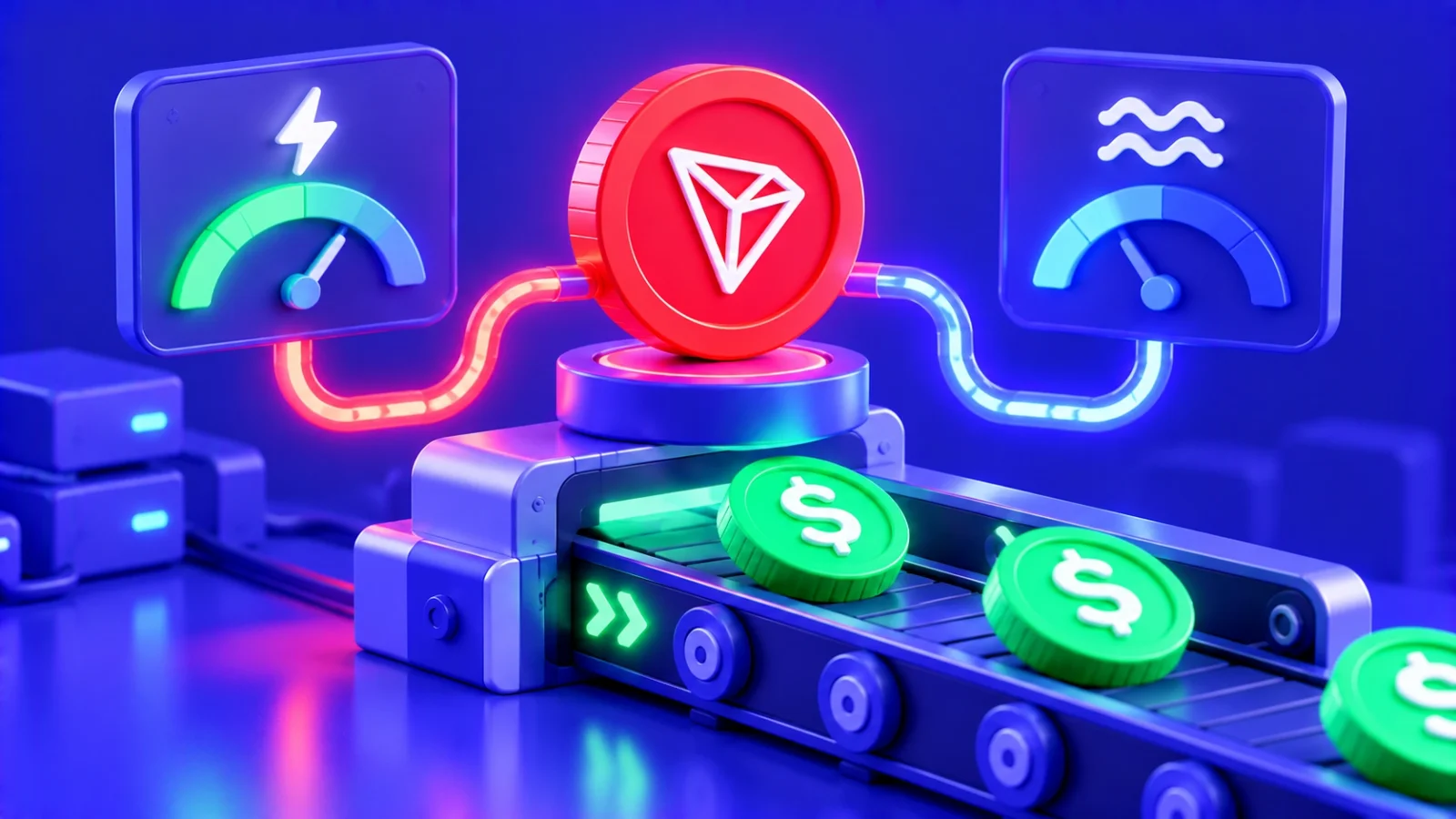
Unlike Ethereum, where the fee is called gas and is always paid in the network’s coin, TRON uses two resources:
- Bandwidth — consumed by every transaction in proportion to its size. Each active address gets a little free bandwidth every day, enough for simple TRX transfers.
- Energy — consumed by smart contracts, including USDT transfers. There is no free energy: you get it by staking TRX, rent it, or the network burns TRX instead.
Hence the main rule: to send USDT TRC20, your wallet must hold TRX. Even with a thousand USDT, without TRX the wallet cannot pay for energy and the transaction won’t go out.
How much a USDT transfer on TRON costs
The cost depends on two things: whether you have your own energy and whether the recipient has held USDT before.
| Situation | What is consumed | Result for the sender |
|---|---|---|
| Recipient already held USDT, you have no energy | TRX is burned for energy and bandwidth | Base transfer cost |
| Recipient has never held USDT | About twice as much energy | Roughly double the base cost |
| You have energy from staking or rental | Energy instead of burned TRX | Much cheaper or almost free |
| Withdrawal from an exchange | The exchange pays the network fee | The exchange’s fixed withdrawal fee |
Your wallet usually shows the exact TRX amount on the confirmation screen. If it says there isn’t enough TRX, top up with a margin: when resources run short, the transaction can fail and some TRX will still be spent.
Step 1. Prepare your wallet
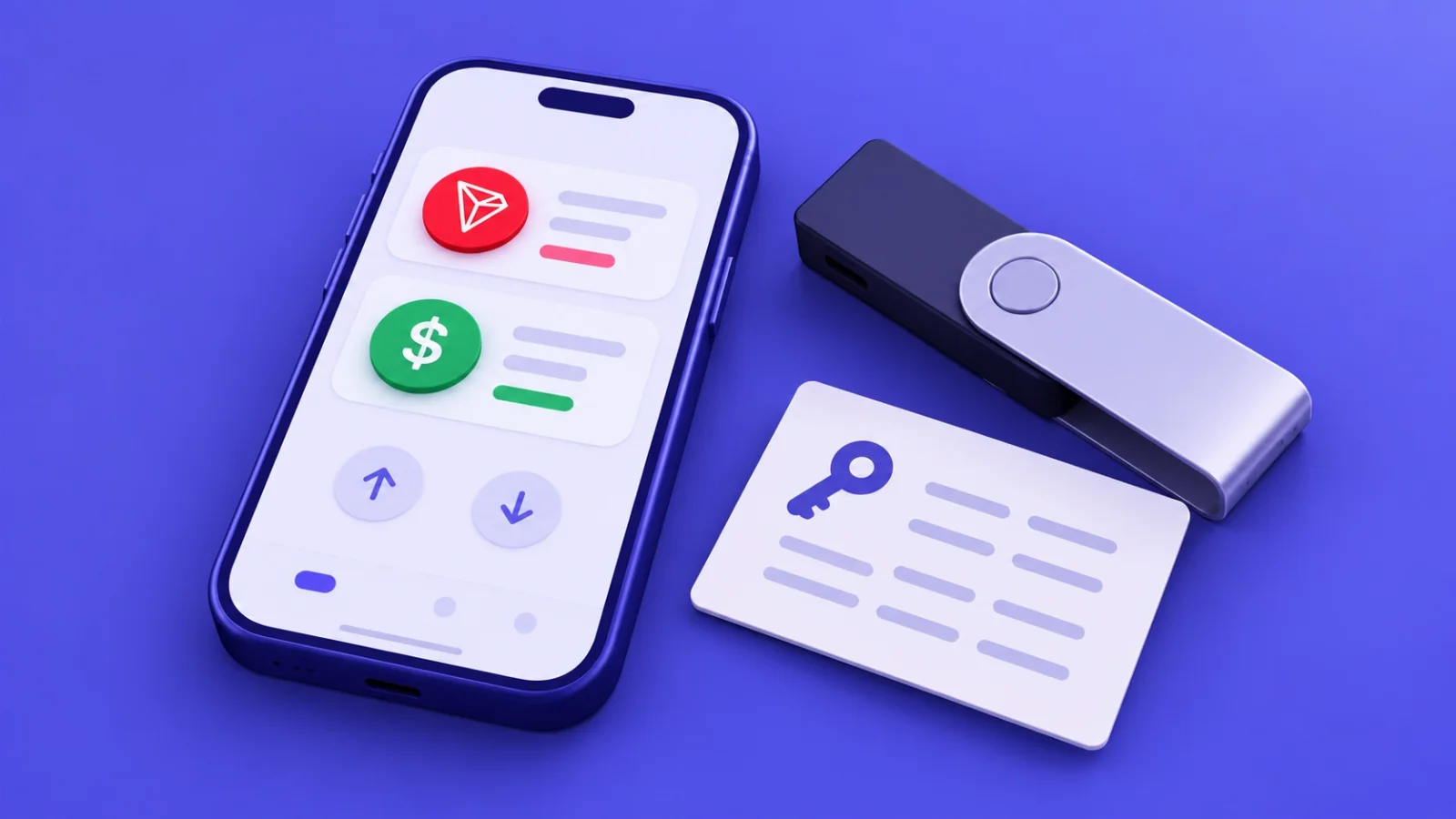
Dozens of wallets support USDT TRC20. The most common are TronLink (the official wallet of the TRON ecosystem), Trust Wallet and exchange wallets. For large amounts, a hardware wallet such as Ledger or Trezor connected to TronLink is a better choice.
Before your first transfer, check three things:
- Network. The wallet must show USDT on TRON (TRC20), not USDT on Ethereum or BNB Smart Chain. In multi-chain wallets these are different assets with different balances.
- TRX balance. Keep enough TRX for several transfers. You can receive USDT without TRX, but you can’t send it.
- Backup. Your seed phrase is written down and stored offline. Without it, you cannot restore access if you lose your phone.
Step 2. Get and check the recipient’s address
The address is the one thing you cannot fix after sending, so this step deserves the most attention.
- Format. A TRC20 address starts with a capital “T” and has 34 characters. If it starts with “0x”, “bc1” or anything else, it isn’t TRON.
- Source. Take the address from an official source: the swap service’s order page, the exchange’s deposit section or directly from the recipient through a trusted channel.
- Comparison. After pasting, compare the first and last 4–6 characters with the original.
Step 3. Send USDT from your wallet
Wallet interfaces differ, but the sequence is almost always the same:
- Open the USDT (TRON / TRC20) asset and tap “Send”.
- Paste the recipient’s address and check it once more.
- Enter the amount. If you are paying a swap order, copy the amount from the order with the button instead of typing it.
- Look at the confirmation screen: network, address, amount and the resources or TRX spent on the fee.
- Confirm with your password, biometrics or the button on your hardware wallet.
- Copy the transaction hash (TXID) from the history — you’ll need it to check the transfer.
The transfer usually appears on the blockchain within seconds and is finally confirmed in about a minute.


Step 4. If you send from an exchange
When you withdraw from an exchange, the exchange pays the network fee itself and charges you a fixed withdrawal fee. Two things matter here.
Choosing the network. The withdrawal window will offer several networks for USDT. Choose TRON (TRC20) — and only if the recipient accepts exactly this network. Exchanges usually validate the address format, but the network choice is yours.
Fee and final amount. Many exchanges deduct the withdrawal fee from the amount you enter. If the recipient must get an exact amount — for example, to pay a swap order — add the fee on top. Otherwise less will arrive and the order will need sorting out with support.
Step 5. Check the transfer on Tronscan
Tronscan (tronscan.org) is the TRON block explorer. Given a transaction hash, it shows everything that happened to the transfer.
| Tronscan field | What to check |
|---|---|
| Status / Result | Should be SUCCESS. FAILED means the transfer didn’t go through: your USDT stayed with you, but the TRX for the attempt was spent |
| From / To | Your address and the recipient’s. For a token transfer the recipient is shown in the Token Transfer section |
| Token | Tether USD (USDT) with the official contract TR7NHqjeKQxGTCi8q8ZY4pL8otSzgjLj6t |
| Amount | Must match the amount you sent |
| Confirmations | Number of blocks after yours; after a minute the transfer is considered final |
| Fee / Resources | How much energy, bandwidth and TRX the fee took |
If you paid a swap order, send the hash in the order or to support — the operator will find the transfer faster.
Common mistakes and how to avoid them
The transfer is “stuck” or failed
TRON transactions almost never get stuck: they either go through within a minute or fail. The most common reason for failure is a lack of energy or TRX — the transaction ran out of resources before completing. Top up TRX and send again. Your USDT haven’t gone anywhere.
Sent to an address on another network
A TRON wallet won’t accept a “0x…” address, so “TRC20 to an Ethereum address” is rare. Mistakes happen more often when withdrawing from an exchange and picking the wrong network. We covered what to do in that case in our article on transfers to the wrong network — the key is to contact the recipient’s support right away.
You received unknown tokens or “USDT” from strangers
This is almost always an ad for a scam site or preparation for address poisoning. Don’t follow links in the token’s name, don’t try to sell it and don’t sign any transactions to “claim a reward”.
The recipient’s address is blocked
Tether can freeze USDT on addresses linked to fraud or sanctions. A transfer to such an address will technically go through, but the funds will be locked. That’s why it’s so important to take the address only from an official source.
How to make TRON transfers cheaper
If you send USDT once a month, the fee is barely noticeable. But for anyone paying suppliers, accepting payments from customers or regularly funding swap services, burned TRX quickly adds up. There are three legitimate ways to reduce it.
Staking TRX
On TRON you can freeze (stake) part of your TRX and receive energy or bandwidth in return. Energy regenerates every day and can be spent on USDT transfers instead of burning TRX. The more TRX you stake, the more energy you get. Staked TRX remain yours: you can unstake them, but withdrawal takes a period set by the network rules.
Renting energy
If keeping a large amount staked doesn’t make sense, you can rent energy on dedicated platforms: you pay a small amount and energy is delegated to your address for one or several transfers. This is often noticeably cheaper than burning TRX. Use only well-known services and never give them your seed phrase — your address is all that’s needed to rent energy.
Batching transfers
Each transfer is paid for separately, so ten small payments cost more than one large one. When possible, group amounts and send less often. The same applies to funding swap services: one order for the full amount is cheaper than several small ones.
Security for large transfers
For large amounts it’s worth adding a few habits that take a couple of minutes but protect against costly mistakes.
- A test transfer. Send a small amount first and make sure the recipient sees it. Yes, it’s one more fee, but it’s nothing compared with the risk of losing the whole amount.
- A hardware wallet. The device screen shows the address and amount independently of your computer, so malware cannot silently swap them.
- Smart contract approvals. If you’ve connected your wallet to DeFi sites, review the approvals you’ve granted to spend USDT and revoke unnecessary ones. A malicious contract with such an approval can move tokens without your confirmation.
- A separate wallet for experiments. Keep your main funds on one address and use another, holding a small amount, for unfamiliar apps.
How to swap USDT TRC20 for another coin or network
If the recipient doesn’t accept TRC20 but, say, ERC20 or BEP20, or you need Bitcoin rather than USDT, a direct transfer won’t do. You need a swap: you send USDT TRC20 and receive the coin you need on the network you need.
At ROVEN exchange this is a single order: choose the direction, enter the recipient’s address and send USDT TRC20 to the address in the order. The rate is locked when the order is created, every payout is checked by an operator, and the status is visible on the order page and in Telegram.

Frequently asked questions
How much TRX should I keep in the wallet?
Keep enough for at least several transfers — the wallet shows the exact cost before you confirm. If you send regularly, it pays to stake TRX and receive energy every day.
Can a USDT TRC20 transfer be cancelled?
No. A confirmed blockchain transaction cannot be reversed. Only the recipient can return the funds, if they agree. That’s why checking the address before sending matters so much.
Why does a transfer to a new address cost more?
The USDT smart contract has to create a balance record for an address that has never held the token. This takes more energy, so the first transfer to a new address costs about twice as much.
Do I need to “activate” a TRON address?
A new address becomes active after its first incoming TRX or token transfer. If you send USDT to a brand-new address, activation happens automatically with the transfer — the fee is just higher than usual.