USDT on TRC20, ERC20 or BEP20: which network to choose
The same USDT lives on different blockchains. We compare fees, speed and compatibility so you can pick a network without mistakes.

USDT is the most popular stablecoin in the world, and almost everyone who has ever sent crypto has faced the question: “Which network should I use?” Wallets and exchanges offer TRC20, ERC20, BEP20 and sometimes a dozen other options. It looks like the same coin, yet picking the wrong network is one of the most common reasons people lose money.
In this article we break down how the three main USDT networks differ, what a transfer costs on each, where each network is supported and how to choose the right one for your task. At the end you’ll find a step-by-step guide to sending USDT without mistakes — and what to do if a mistake has already happened.
What USDT is and why it lives on several networks
USDT (Tether) is a token whose price is pegged to the US dollar: one USDT aims to be worth one dollar. Tether issues the tokens and states that each one is backed by reserves. Thanks to its stable price, USDT is used as a “digital dollar”: people keep savings in it, pay for goods and services and lock in profits after trading.
An important detail: USDT is not a blockchain of its own. It is a token issued on top of existing networks. The first version appeared in 2014 on Bitcoin (the Omni protocol); later Tether started issuing the token on Ethereum, TRON and other blockchains. Each version is a separate smart contract on its own network, with its own rules, fees and address format.
Hence the main rule: USDT on TRON and USDT on Ethereum are “the same dollar” in price, but technically different tokens that cannot see each other. You cannot send USDT from TRON directly to an Ethereum address — just as you cannot send a bank transfer to a phone number in another country without an intermediary.

TRC20 vs ERC20 vs BEP20
Before looking at each network in detail, here are the main differences in one table. Fee figures are approximate: they depend on network load and on the price of the coin used to pay the fee.
| Parameter | TRC20 | ERC20 | BEP20 |
|---|---|---|---|
| Blockchain | TRON | Ethereum | BNB Smart Chain |
| Address format | Starts with “T”, 34 characters | Starts with “0x”, 42 characters | Starts with “0x”, 42 characters |
| Fee paid in | TRX (energy and bandwidth) | ETH (gas) | BNB (gas) |
| Transfer cost | Usually one to a few dollars, cheaper with rented energy | From a fraction of a dollar to a few dollars, more at peak times | Usually cents |
| Speed | About a minute | A few minutes | Seconds to a minute |
| Support | Almost all exchanges and swap services, popular wallets | All exchanges, most wallets, DeFi | Most exchanges, wallets with BSC support |
| Main risk | No TRX for the fee — the transfer won’t go through | High gas during congestion | Confusion with Ethereum addresses |
As you can see, there is no “best” network. Each one wins in its own scenario, so the right question is not “which network is better” but “which network suits this transfer”.
TRC20: the most popular network for transfers
TRC20 is the token standard of the TRON blockchain. Most of all USDT in circulation lives on this network, and it is the one people choose most often for peer-to-peer transfers, paying for services and funding swap orders. The reason is simple: transfers take about a minute and usually cost less than on Ethereum.
Fees on TRON work in an unusual way. Instead of the familiar “gas”, there are two resources: bandwidth and energy. A USDT transfer consumes energy; if your wallet has none, the network burns a little TRX instead. That’s why your wallet must hold some TRX to send USDT TRC20 — without it, the transfer simply won’t go out.
One more quirk: a transfer to an address that has never held USDT consumes roughly twice as much energy as a transfer to an “active” address. So the first payment to a new wallet can cost noticeably more than the following ones.
The downsides of TRC20 are worth knowing too. TRON is less decentralised than Ethereum, and its DeFi ecosystem is smaller. Some wallets and services also support TRON less well than Ethereum. But for the job of “moving dollars from A to B”, TRC20 remains the most practical choice.
ERC20: maximum compatibility
ERC20 is the token standard of the Ethereum network. It is the most mature and time-tested version of USDT: every major exchange, hardware wallet, payment service and decentralised protocol supports it. If you want to use USDT in DeFi — say, add it to a liquidity pool or a lending protocol — it will almost certainly be ERC20.
The main drawback is the fee. Gas on Ethereum is paid in ETH, and its price depends on network load. At quiet times a USDT transfer may cost less than a dollar, but during a rush it can cost several times more. For small amounts that matters; for large ones it is usually negligible compared with the network’s reliability.
Another ERC20 nuance is time. Ethereum produces a block roughly every 12 seconds, and services usually wait for several confirmations, so crediting takes a few minutes. Not long, but noticeably slower than TRON or BNB Smart Chain.
BEP20: cheap and fast, but watch the addresses
BEP20 is the token standard of BNB Smart Chain (BSC), the network developed by the Binance ecosystem. Fees are paid in BNB and are usually a fraction of a cent or a few cents, and transactions confirm in seconds. That makes BEP20 convenient for frequent, small transfers, especially between exchanges that support it.
A technical nuance: USDT on BNB Smart Chain is not issued by Tether itself but by Binance — it is a token backed 1:1 by regular USDT. In practice this makes almost no difference to users, but some services and wallets don’t accept it.
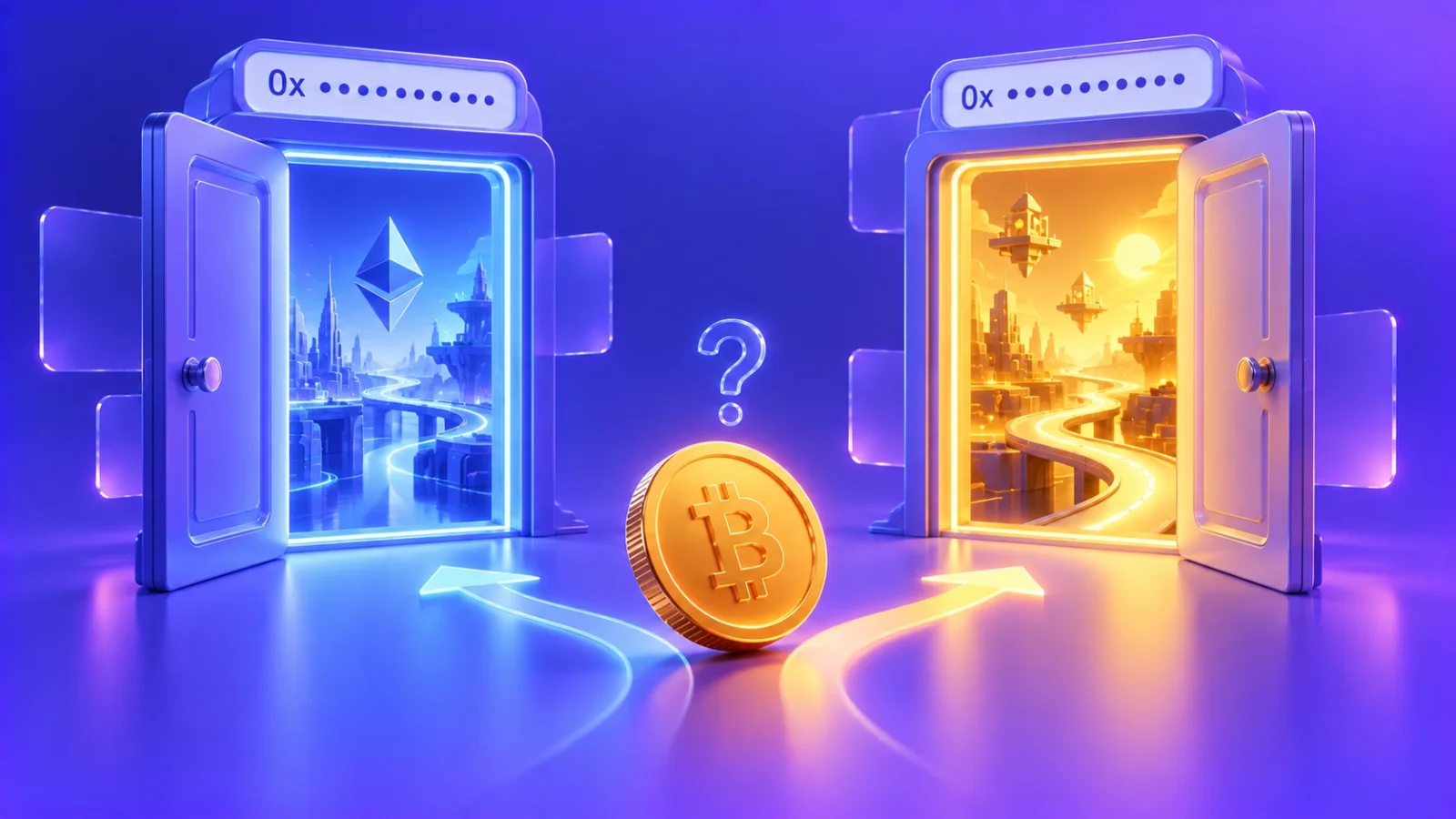
The main danger of BEP20 is the address format. BNB Smart Chain addresses look exactly like Ethereum ones: “0x” plus 40 characters. Your wallet won’t stop you if you pick the wrong network: the transfer will go through, but it will land on a different blockchain.
Which network to choose: ready-made scenarios
To avoid memorising the whole table, here is a short cheat sheet for typical situations.
| Task | Best choice | Why |
|---|---|---|
| Sending to a friend or paying for a service | TRC20 | Fast, inexpensive, supported almost everywhere |
| Funding a swap service or an exchange | The network the service specifies | Sender and recipient networks must match |
| DeFi, lending, liquidity pools | ERC20 | Most liquidity and protocols are on Ethereum |
| Frequent small transfers between exchanges | BEP20 or TRC20 | Minimal fees |
| Storing a large amount on a hardware wallet | ERC20 or TRC20 | Best hardware wallet support |
If your USDT already sits on one network and the recipient only accepts another, you can’t transfer it directly. You need to change the network — for example, with a swap service. At ROVEN exchange such a swap runs at close to 1:1, and the rate is locked when you create the order.


How to send USDT without mistakes: step by step
Most losses happen not because the technology is complicated but because of haste. This routine takes a minute and protects you from the most common mistakes.
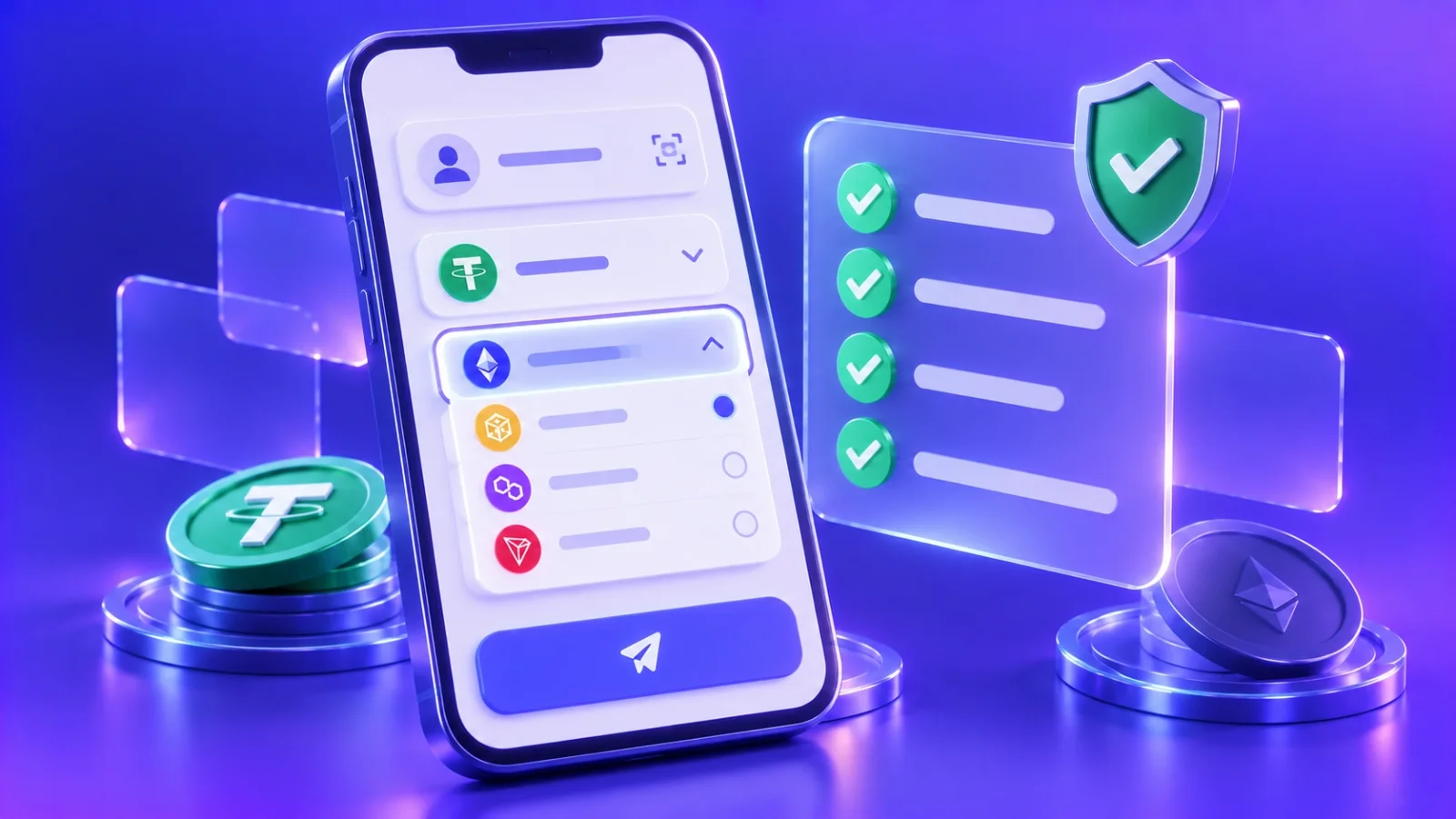
- Confirm the network with the recipient. Not just “USDT”, but specifically “USDT TRC20” or “USDT ERC20”. When a service shows a deposit address, the network is always stated next to it.
- Check the address format. TRC20 starts with “T”, ERC20 and BEP20 with “0x”. If the format doesn’t match the chosen network, stop.
- Select the same network in your wallet. Many wallets list USDT on different networks as different assets — make sure you’re sending from the right one.
- Check your balance of the fee coin. TRC20 needs TRX, ERC20 needs ETH, BEP20 needs BNB.
- Copy the address instead of typing it. After pasting, compare the first and last 4–6 characters: malware can swap addresses in your clipboard.
- Send the exact amount. If a service asks for a specific amount — as a swap service does — send it in one transaction, remembering that the sender pays the network fee.
- Save the transaction hash. It lets you find the transfer in a block explorer if any questions come up.
What to do if you sent USDT on the wrong network
Even careful people make mistakes sometimes. Your chances of getting the funds back depend on where exactly the transfer went.
Transfer to your own non-custodial wallet
If you sent USDT to your own wallet, for which you hold the seed phrase, but chose another network with the same address format (for example, BEP20 instead of ERC20), the funds are almost certainly safe. Add the right network to your wallet or import the seed phrase into a wallet that supports it — the tokens will be there. You’ll just need a little of that network’s coin for the fee to move them on.
Transfer to an exchange or a swap service
If the address belongs to an exchange or a swap service, the service holds its keys. Contact support right away: give the transaction hash, network, amount and your account or order number. Many services return such transfers manually, sometimes for an extra fee, but nobody can promise it.
Transfer to a network with a different address format
Sending USDT TRC20 to a “0x…” address is usually technically impossible — your wallet won’t accept such an address. That’s why most mistakes happen between networks with the same format: ERC20, BEP20 and Ethereum layer-2 networks.
How to move USDT from one network to another
Since direct transfers between networks are impossible, there are three ways to change the network.
- Through an exchange. Deposit on one network and withdraw on another. This requires an account and usually verification, and withdrawals carry a fee.
- Through a bridge. Decentralised bridges move tokens between blockchains without an intermediary, but they take experience: connecting a wallet, approving contracts and understanding the risks of the bridges themselves.
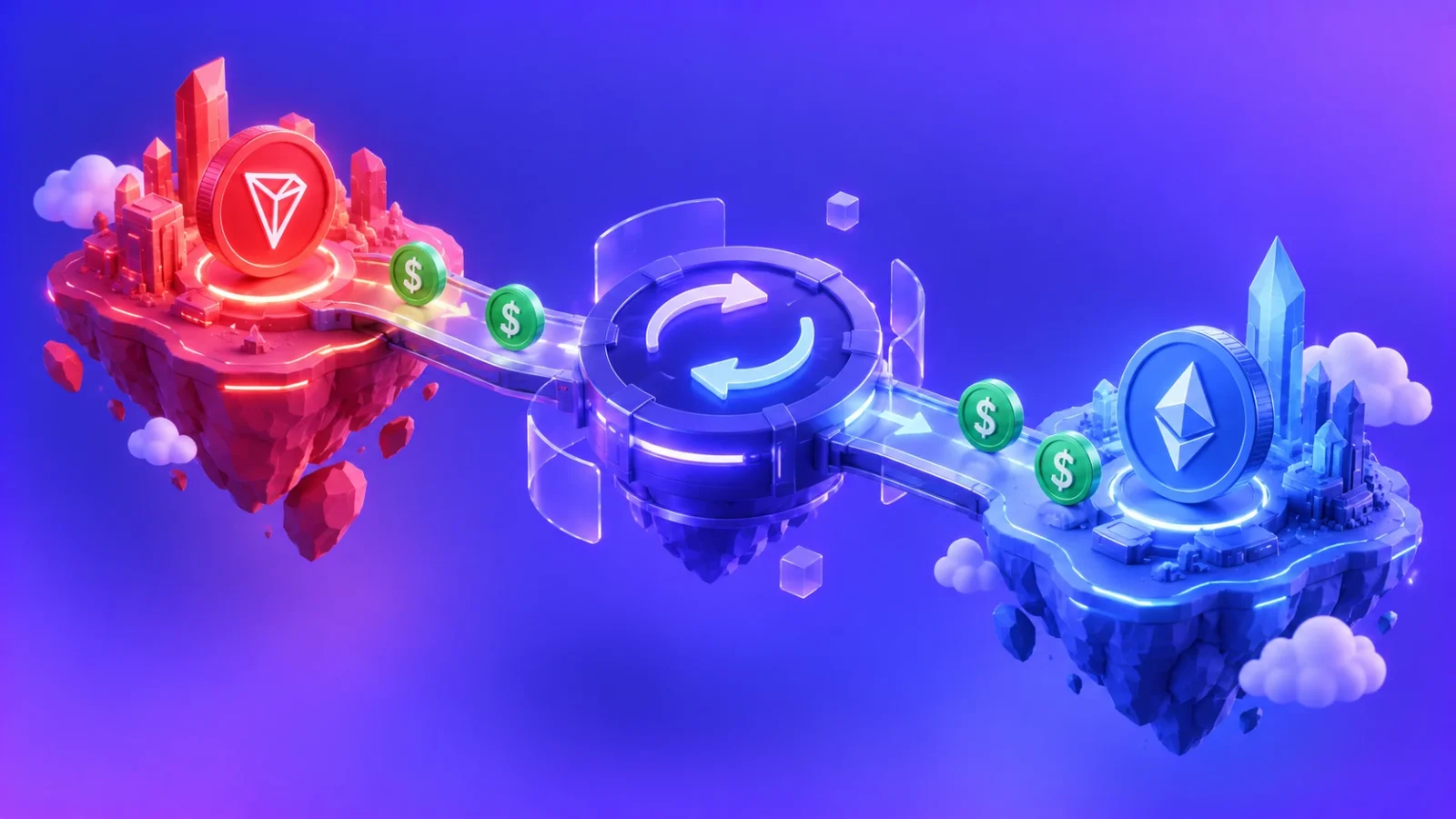
- Through a swap service. You send USDT on one network and receive USDT on another at the address you specify. No sign-up, with a fixed payout amount you see in advance.
At ROVEN exchange changing the network works like any other order: choose a direction such as USDT TRC20 → USDT ERC20, enter the recipient address and send the funds. The rate is locked when the order is created, and we cover the network fee for the payout — it’s already included in the rate.
Frequently asked questions
Can I keep USDT on any network?
Yes. USDT has the same price on every network, so for storage the network hardly matters. What matters is how convenient it will be to send the funds where you need them later. If you mostly send USDT to people and swap services, keeping it on TRC20 is more convenient.
Why does a TRC20 transfer to a new address cost more?
The USDT smart contract has to create a balance record for an address that has never held the token. That consumes more energy, so the first transfer to a new wallet can cost about twice as much as usual.
Do I need ETH to receive USDT ERC20?
No, you can receive without ETH. But to send that USDT on later, you’ll need ETH in the wallet. The same rule applies to TRX on TRON and BNB on BNB Smart Chain.
Is it safe to change the network through a swap service?
Yes, as long as the service clearly shows the rate, reserves and payout amount before you send funds. At ROVEN exchange the rate is locked in the order and every swap is reviewed by an operator, so you know in advance how much USDT you’ll receive and on which network.