Sent crypto on the wrong network: what to do
Not all is lost: when funds can be recovered and what to do in the first minutes.

You hit “Send” and a minute later realised you picked the wrong network: USDT went out on BEP20 instead of ERC20, ETH was sent on Arbitrum instead of mainnet, or the exchange quietly substituted another network on withdrawal. The first urge is to panic. The second is to search for a “recovery specialist”. Do neither.
A wrong network is the most common reason for “lost” crypto, but the funds are far from always truly lost. In many cases they can be recovered, as long as you understand where exactly the transfer went and who controls the recipient address. In this article we go through all the main scenarios, what to do in the first minutes, a support request template and how not to repeat the mistake.
Why it’s possible to send coins to the “wrong network” at all
To judge your chances of recovery, it helps to understand how such a mistake becomes possible. Blockchains aren’t connected to each other: Ethereum doesn’t know BNB Smart Chain exists, TRON doesn’t know about Ethereum. So the network can’t warn you that the recipient expects the transfer “somewhere else”.
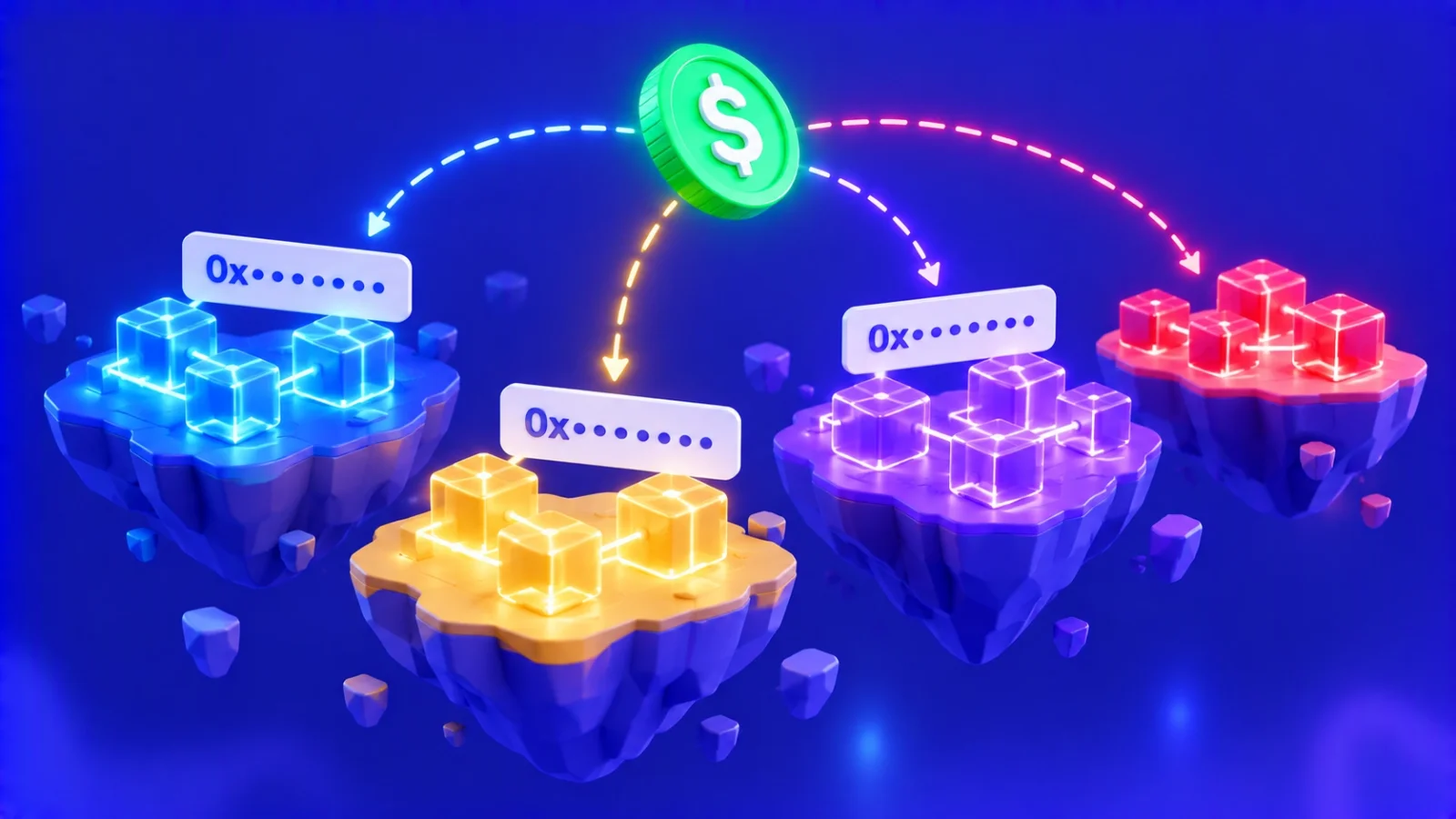
One circumstance makes the mistake possible most often: identical address formats. Ethereum, BNB Smart Chain, Polygon, Arbitrum, Optimism, Base, Avalanche C-Chain and dozens of other networks share the same format — “0x” plus 40 characters. An address that is valid on one of these networks is valid on all of them. A wallet or exchange will accept it without objection, and the transfer goes where you specified, not where you intended.
The second source of mistakes is tokens that exist on several networks at once. USDT, USDC and many other coins are issued on Ethereum, TRON, BNB Smart Chain, Solana and a dozen more blockchains. The name in the interface is the same; the networks differ.
If the address formats differ — for example, TRON (“T…”) and Ethereum (“0x…”) — the wallet simply won’t let you send. That’s why almost all real-world mistakes happen between networks with the same address format.
The first 15 minutes: what to do right away
The faster you gather information, the better your chances, especially if the address belongs to a service. Go step by step:
- Don’t send anything else to the same address. Until you understand what happened, another transfer only increases the loss.
- Find the transaction hash. In a wallet it’s in the transfer details; on an exchange it’s in the withdrawal history, in the TXID field.
- Open the hash in the right network’s explorer. Etherscan for Ethereum, BscScan for BNB Smart Chain, Tronscan for TRON, Arbiscan for Arbitrum and so on. If one explorer can’t find the transaction, try another — that’s how you’ll learn which network the transfer went to.
- Write down the key details. Network, sender and recipient addresses, token and amount, date and time. Take screenshots.
- Work out whose address it is. Your own wallet, an exchange or swap service deposit address, or a smart contract address — your whole plan depends on this.
Scenarios and chances of recovery
All the variety of mistakes comes down to a few typical situations. Find yours in the table; below we look at each in detail.
| Where the transfer went | Chance of recovery | What to do |
|---|---|---|
| Your non-custodial wallet, but another network with the same address format | Very high | Add the right network to your wallet or import the seed phrase |
| An exchange that supports the network used | High | Contact support, sometimes for a recovery fee |
| An exchange that doesn’t support the network or token | Medium to low | Contact support; the decision is the exchange’s |
| A swap service with manual review | Depends on the network | Write to the operator with the order number and hash |
| A token’s smart contract address | Usually zero | Contact the project team, but the odds are minimal |
| A “burn” address or non-existent address | Zero | The funds are permanently out of circulation |
Scenario 1: transfer to your own wallet
This is the best possible case. If you sent coins to your own non-custodial wallet — MetaMask, Trust Wallet, Rabby, a hardware wallet — that is, a wallet for which you hold the seed phrase, the funds are safe. The reason is simple: on “0x” networks your address and private key are the same on every network. You own that address on Ethereum, BNB Smart Chain and Polygon at the same time.
The coins aren’t showing only because the wallet is displaying the wrong network. To see them:
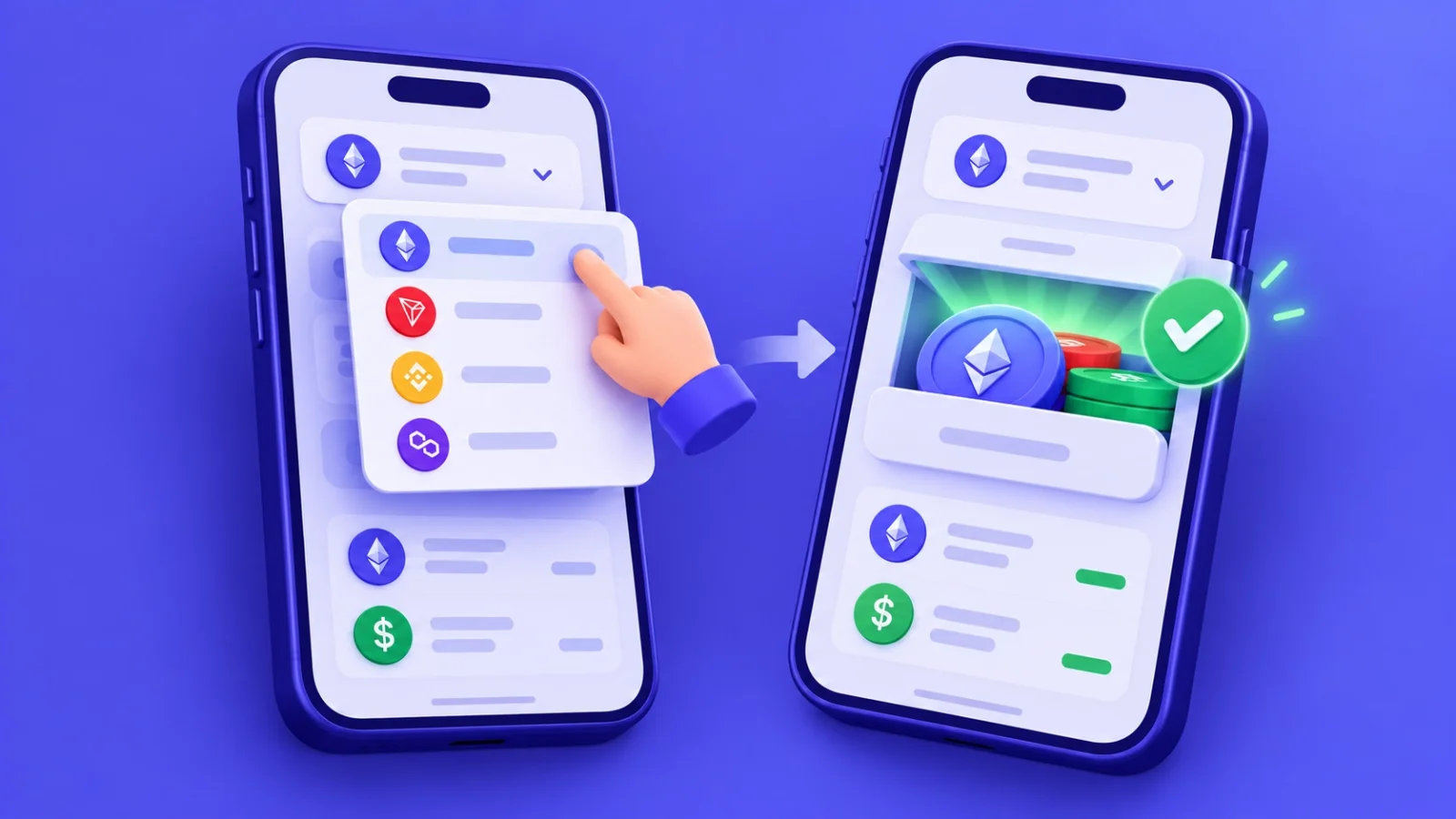
- switch the wallet to the network the transfer went to, or add that network in the settings;
- if the token still doesn’t show, add it manually using the contract address from the explorer;
- if your wallet doesn’t support the network at all, import the seed phrase into a wallet that does.
To move the funds on afterwards, you’ll need a little of that network’s native coin for the fee: BNB on BNB Smart Chain, ETH on Arbitrum or Base, POL on Polygon. Buy or swap a small amount and send it to the same address.
What if the wallet is an exchange app?
Wallets inside exchanges and payment services are custodial: the service holds the keys. Even if the address looks like “yours”, you can’t switch the network yourself. This case falls under the second scenario.
Scenario 2: transfer to an exchange
If you sent coins to an exchange deposit address but on a network the exchange didn’t expect, everything depends on its support. The exchange holds the keys to the address, and only it can send the funds back.
Most large exchanges can return such transfers, especially if the network shares the address format and the exchange supports it in principle. They often charge a recovery fee, and the process takes anywhere from a few days to a few weeks. If the exchange doesn’t support the network or token at all, it may refuse: technically it’s harder and riskier.
Use official channels only: the website form, in-app chat or official email. If “support staff” message you privately after you posted about the problem on social media, they are scammers.

Scenario 3: transfer to a swap service
Swap services with manual review are more forgiving here than automatic ones: a person looks at every order, so an unusual transfer doesn’t get “lost” in an algorithm. If you paid an order but got the network wrong, contact support as soon as possible with the order number and the transaction hash.
At ROVEN exchange an operator will check where the funds arrived. If the network is compatible and the funds can be accessed, the operator will offer an option: complete the swap at the current rate or return the funds minus the network fee. The terms are described in the exchange rules. If the transfer went to a network where the service has no access to the address, unfortunately it can’t be returned — which is why the order always shows the network next to the address and amount.


Scenario 4: a smart contract or “burn” address
The hardest cases are when tokens are sent not to a wallet but to a smart contract address. A typical mistake: someone copies the USDT contract address from a token page, thinking it’s a deposit address, and sends USDT there. Most contracts can’t return tokens sent to them, and the funds stay locked forever. Occasionally a project team builds in a recovery function, so it’s worth contacting them, but don’t count on success.
Another irreversible case is so-called burn addresses, such as an address made of zeros. Nobody holds the keys to such addresses, so nobody can return what was sent there.
Beware of “recovery specialists”
As soon as you mention the mistake publicly — in a chat, a forum or comments — you’ll almost certainly be contacted by “experts” promising to recover the funds for a percentage or an upfront fee. Sometimes they pose as exchange staff, sometimes as hackers or “blockchain lawyers”.
This is one of the most widespread scams. Nobody can reverse a blockchain transaction or “hack” someone else’s address. Funds can really be returned only by the address owner (you or the service) or by the project team, if a contract is involved. If you’re asked for your seed phrase, private key, to connect your wallet to a site or to pay in advance, you’re guaranteed to lose the rest of your money too.
How to avoid the mistake next time
Most network mistakes happen out of haste and habit. A few simple rules practically rule them out:
- Check the network in two places. The recipient’s deposit window and your send window must show the same network, not just the same token.
- Pay attention to warnings. Exchanges often write next to the address: “Send only USDT on TRC20”. It’s not a formality.
- Make a test transfer. For a large amount, send a small one first and wait for it to be credited.
- Save recipients in your address book with the network in the label, for example “Exchange — USDT TRC20”.
- Change networks with a swap, not a transfer. If your USDT is on one network and the recipient needs another, change the network first and then send.
The last point is especially important: there is no such thing as a direct transfer between networks. At ROVEN exchange you can change the network with a single order — for example, USDT TRC20 → USDT ERC20 — at a fixed rate, with an operator checking every swap.

Frequently asked questions
Can a transaction sent to the wrong network be cancelled?
No. Once confirmed, a blockchain transaction can’t be cancelled by you, the network or anyone else. Only whoever holds the keys to the recipient address can return the funds.
How long does recovery through an exchange take?
It varies — from a few days to a few weeks. It’s a manual operation, and exchanges handle such requests in order. Check your ticket regularly and answer follow-up questions.
I sent ETH on Arbitrum instead of Ethereum to my own wallet. What now?
No harm done: add the Arbitrum network to your wallet and the ETH will appear at the same address. To move it back to Ethereum mainnet, use the official Arbitrum bridge or a swap.
Why didn’t my wallet warn me?
Because from the wallet’s point of view there was no mistake: the address is valid on the selected network. The wallet doesn’t know which network the recipient expects — only you do.